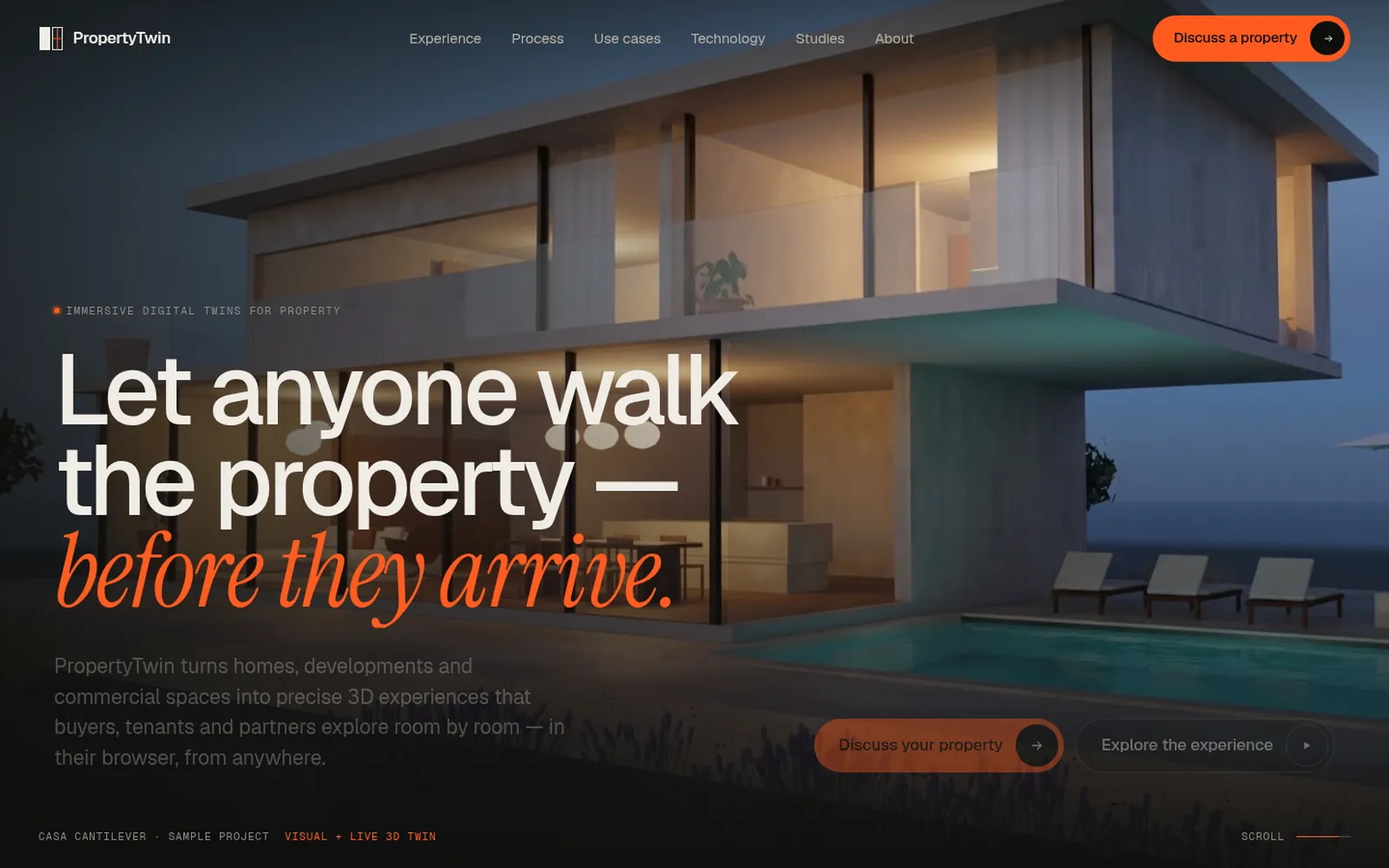
Service 05 / 14
The work after the click, built and connected.
We connect your website to the tools that do the work after it, and automate the routine steps in between. Anything unclear still goes to a person.
What this covers
What this covers
A website is rarely where the work ends. A brief arrives, someone copies it into a CRM, forwards it, replies, logs it, and does the same again next week. We build the part between the click and the person: the function that receives the form, the connection to your tools, and the steps that can run on their own.
We start with a fixed workflow written in code, because a workflow you can read is one you can check. A language model only enters for a step that needs judgement, such as reading a free-text request, and it hands whatever it is unsure about to a person. That step is still a Lab design: we say so until it has run for a client.
- Usually for
- Teams retyping website enquiries into other tools, Studios and firms whose briefs wait days for a reply, Companies whose site and CRM do not talk to each other
Outcomes
What it can take off your hands
-
Receive
Forms and endpoints that check, store and deliver every submission, and fail safely when a destination is down.
-
Connect
Website to CRM, email, chat or spreadsheet through webhooks and APIs, so nothing is typed twice.
-
Route
Each request sent to the right person or queue, with its context attached.
-
Report
Recurring summaries from forms and analytics, prepared for someone to read and approve.
-
Watch
Checks on a site, a feed or an inbox that tell a person when something changes or breaks.
-
Hand off
Anything unclear, risky or out of scope goes to a named person with the history, never to a guess.
Under the surface
From the click to the person
The same six steps for every workflow we design. The example is the brief form: steps 1, 2, 4 and 6 run on this site today; step 3 is designed in the Lab and not built.
-
The problem
Briefs arrive by form. Some wait days, some reach the wrong person, all of them are retyped somewhere.
Your team, today -
The workflow
Check the fields, drop spam, store the brief, deliver it, confirm to the sender. Fixed steps, plain code, no AI.
functions/api/lead.js -
One step that needs judgement
Read the free text, suggest a type and an urgency, draft a first reply, each with a reason a person can check.
Lab design, not built -
The tools
Webhook to the inbox or CRM, storage when nothing is connected. Nothing is sent, paid or deleted without a person.
Webhook · Workers KV -
The person
Anything unclear, below the confidence line, or about price goes to a named person with the context already gathered.
Human review -
The result
Measured on your own data: time to first reply, how many briefs needed no correction, how many went to a person.
Run log
Handover
What you own afterwards
- The workflow written down step by step, and the code that runs it
- A log of every run your team can read
- A notification or a review queue for the exceptions
- A switch that stops any automated step without stopping the site
- Handover notes your developers can maintain
Limits
What we can show today, and what we can’t
We have not shipped an automation for a client yet. What you can check is the system running this site and the method on this page, so a first project is a small pilot with a fixed scope and price.
In a first version nothing sends, pays or deletes on its own: those steps wait for a person.
We don’t replace an ERP or run a data platform. We build the smaller connections around them, with your engineers when the systems are theirs.
Stack
Tools we reach for
The first three run on this site. The others come with the systems you already use.
- Cloudflare Pages Functions
- Webhooks
- Workers KV
- REST APIs
- Node.js
- Playwright
How we build it The form on this site posts to a Cloudflare function we wrote. It checks every field, drops spam, delivers the brief by webhook or to storage, and when no destination is connected it says so before anyone starts typing. How this site is built
Work
Projects built with it
Products, prototypes and demo builds the studio made itself, each labelled with its status. None is client work.
-
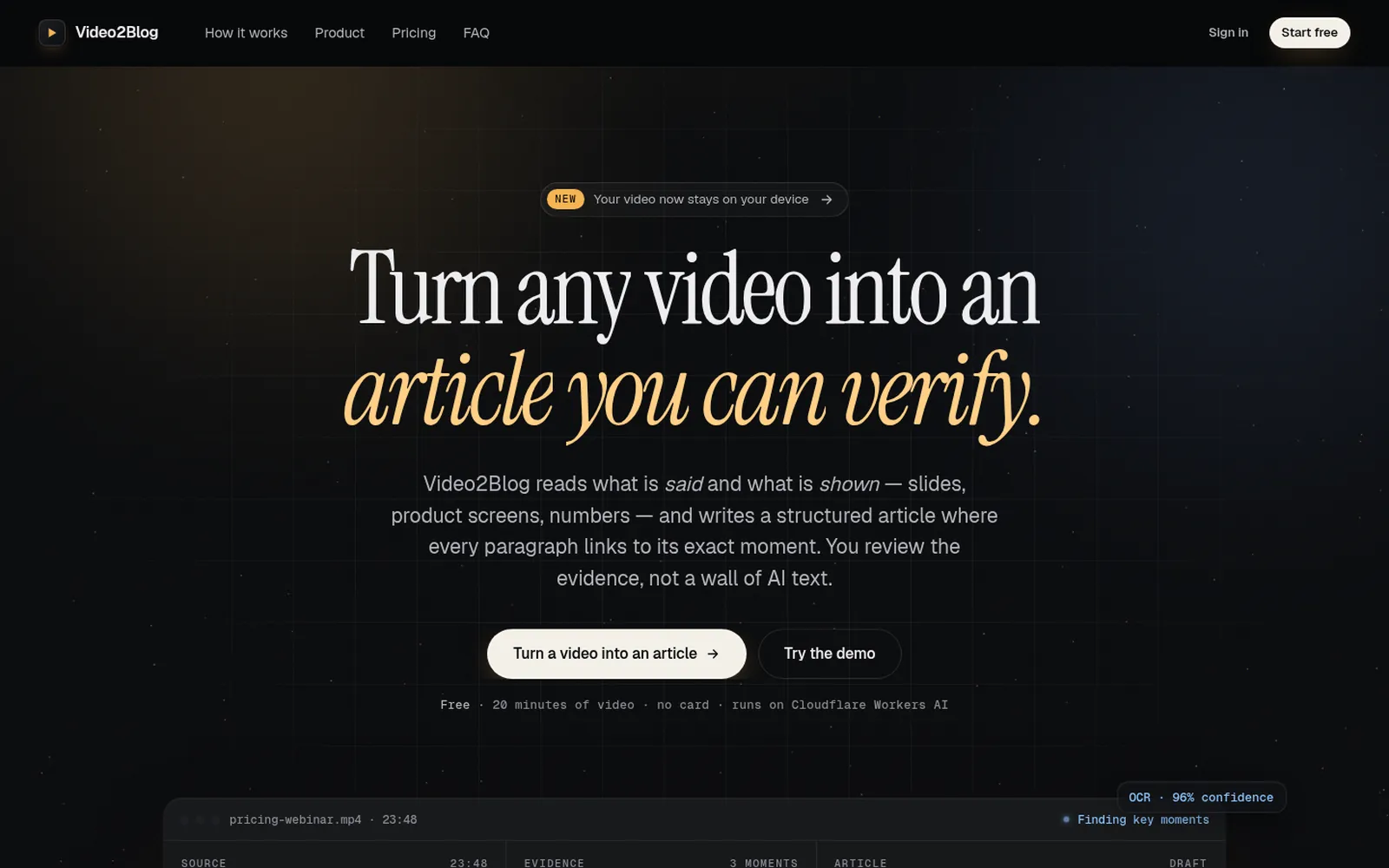
Video2Blog
A Cloudflare SaaS that turns a video into a structured article where every paragraph cites the moment in the source it came from. : Video2Blog -
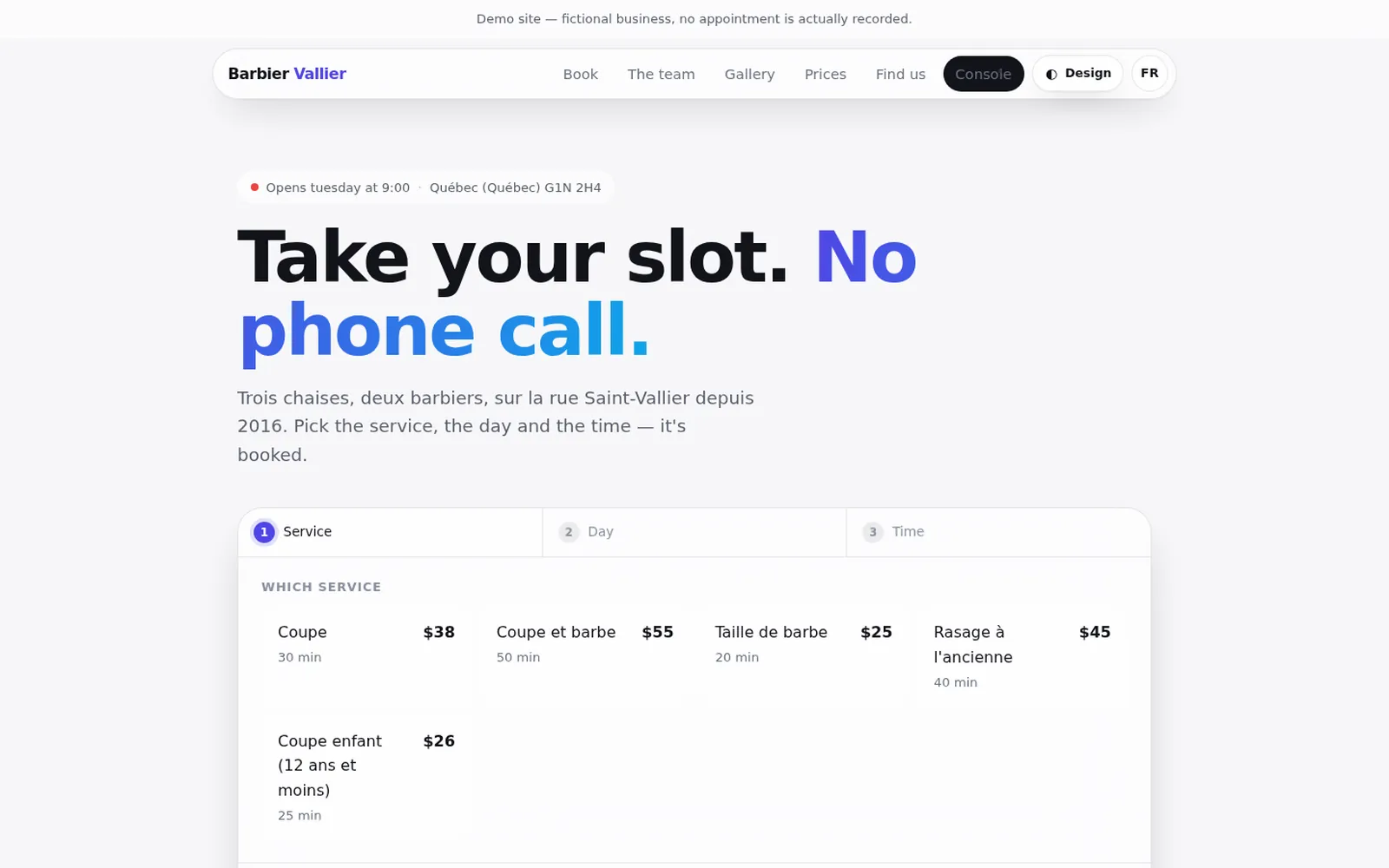
Barbershop SaaS
A multi-tenant booking and management platform for barbershops: three-step online booking for clients, and a console for the shop’s appointments, team, hours, services, payments and media. : Barbershop SaaS -
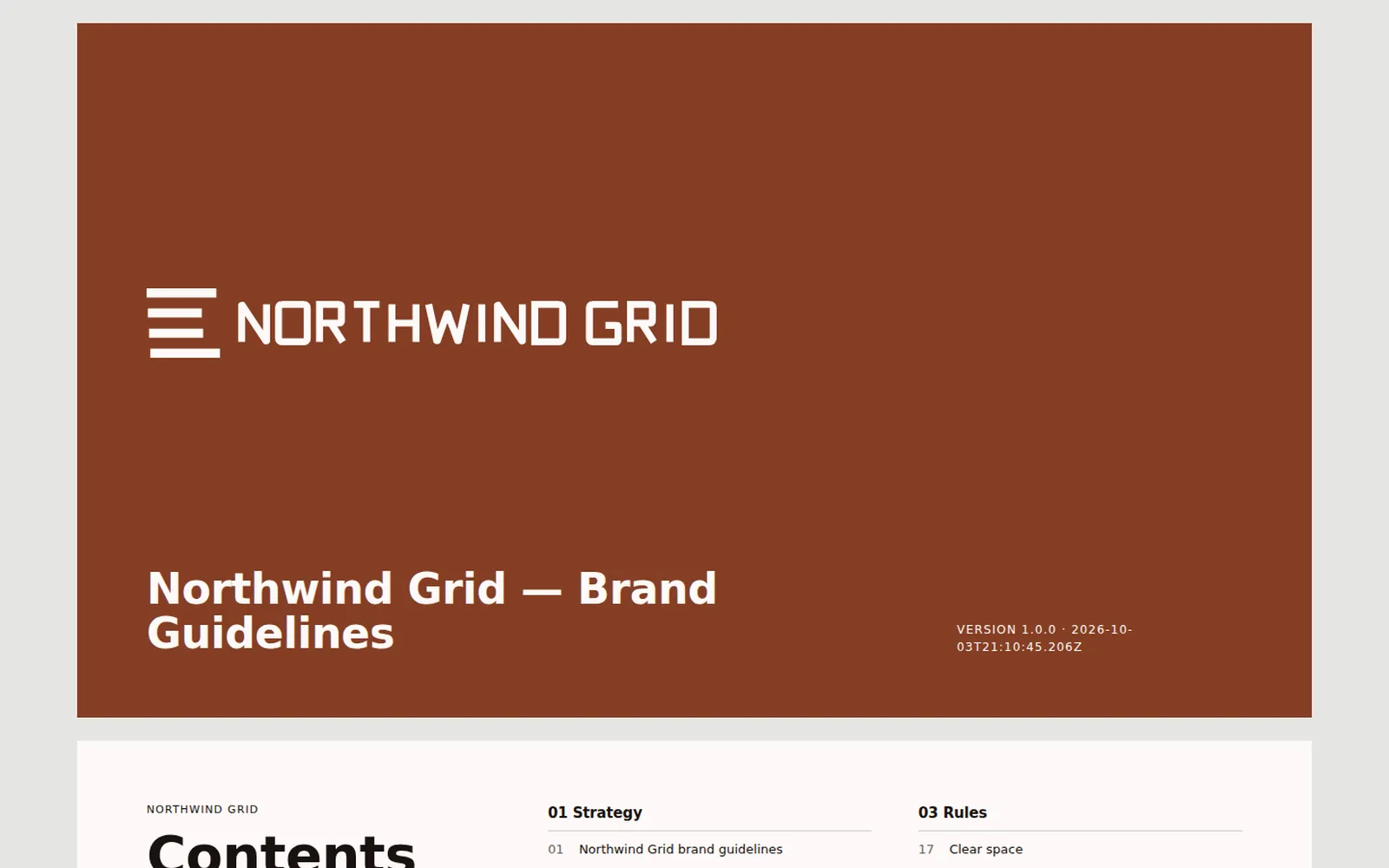
Brand System Engine
A zero-dependency TypeScript engine and CLI that turns a brand brief into a complete, reproducible package: strategy, logo system, colour, type, tokens, a brand book and applications. : Brand System Engine
FAQ
Questions about this
Do you build AI agents?
Yes, inside systems with clear limits. The AI receptionist answers calls from information you approve, review replies and content are drafted for a person to approve, and in automation a language model handles the steps that need judgement while a person reviews what it is unsure about.
None of it has run for a client yet, and we say so. A first project is a small pilot with a fixed scope.
Who owns the code and designs?
You do, once the project is paid for, as the contract sets out. Open-source libraries keep their own licences, which we list at handover.
How much does it cost?
We quote after scoping, against a written scope. There is no price list because two “websites” can differ by a factor of ten. The brief asks for a rough budget so the proposal fits it; “not sure yet” is a fine answer.
Tell us which routine eats the week.
Tell us what you need and by when. We read every enquiry and reply in writing, with questions, a next step, or a plain no if we’re the wrong studio.