
Service 09 / 14
Ads that answer to revenue, with guardrails you can read.
We plan and run ads in an account you own, judge them by the customers they bring rather than the clicks, and never change your budget without your approval.
In short
What this covers
Paid acquisition goes wrong in predictable ways: broad keywords that buy irrelevant searches, a form fill counted as success whatever happens next, a budget that drifts, and nobody able to say what changed last month.
The system answers each of those in code. Campaigns are drafted from your site and services and shown before launch. Search terms are reviewed and irrelevant ones excluded after you approve them. Calls, forms and bookings are separate conversions, and qualified leads and customers are sent back to the platform so it optimizes for revenue. Every change is logged with its reason.
- Usually for
- Service businesses that want customers from Google, not clicks, Companies spending on ads without knowing which ones pay, Owners who want to approve every budget change
You may recognise
Signs this is the problem
- Spend rises, enquiries don’t
- You can’t see what changed in the account
- Leads from ads rarely buy
The work
What we do
-
Plan
Offer, territories, keywords and budget range drafted from your site and data, shown before anything is created.
-
Build
Campaigns, ad groups, ads and extensions created in your account, after validation against length and policy rules.
-
Review search terms
Irrelevant searches proposed as negatives, with the data, for you to approve.
-
Track conversions
Calls, forms and bookings tracked separately; qualified leads and customers sent back as offline conversions.
-
Guard
No budget change without approval and a cap, no change on thin data, the best ad protected.
-
Log
Every change written down: who, what, why, before and after. Exportable.
Architecture
How the system fits together
Built on adapters: the planning, the guardrails and the change log are the same whatever the platform. Google Ads is the first adapter.
-
Brief
Services, areas, margins, what a customer is worth.
Lead and audit data -
Plan
Keyword sets per service and area, ads, budget range, expected volumes stated as ranges.
site/server/growth/ads.js -
Approve
You approve the plan and the budget cap.
Approval queue -
Run
Campaigns created and adjusted through the platform API.
Google Ads API (REST) -
Feed back
Qualified leads, customers and revenue uploaded as conversions, so bidding optimizes for them.
Google Data Manager API -
Report
Spend, leads, customers and revenue per campaign, with the change log beside it.
Attribution engine
Status
What runs today, and what waits for access
Live means it runs now. Integration-ready means the code, the data model and the tests exist and it starts once your account or a platform approval is connected. Planned means not running yet: designed, or built and tested but not yet connected to a live endpoint.
-
Planned
Guardrails and change log
Implemented and unit-tested: budget approvals and caps, minimum data, learning windows, best-ad protection. Not yet connected to a live endpoint.
-
Planned
Search-term review
Negative-keyword proposals from search-term reports, waiting for approval. Not yet connected to a live endpoint.
-
Planned
Planning engine
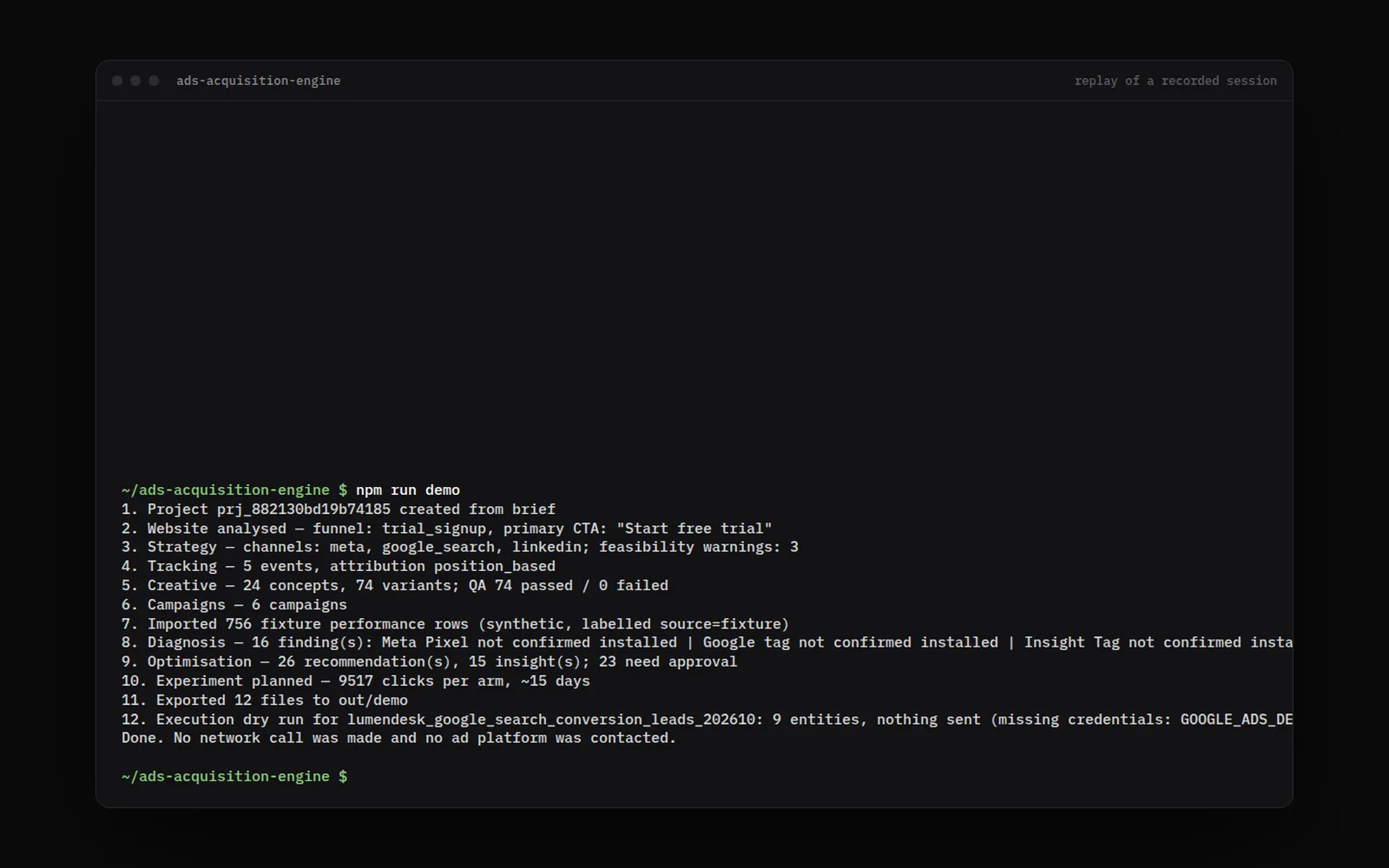
One of the studio’s own projects (Ads Acquisition Engine), in development and not yet offered as a service.
-
Needs your account
Google Ads connection
Needs your account access and the API access level of the studio’s Google Cloud project.
-
Planned
Meta, TikTok, LinkedIn adapters
Same interface; each platform reviews API applications first.
Integrations
What it connects to
- Google Ads API Needs your account
- Campaigns, ad groups, keywords, search-term reports, reporting. REST, from the edge.
- Google Data Manager API Needs your account
- Offline conversions (qualified lead, customer, revenue) and audience uploads, with consent.
- Google Analytics 4 Planned
- Server-side events through the Measurement Protocol, when GA4 is in use.
Measurement
What we measure, and where the number comes from
- Cost per qualified lead and per customer
- Spend from the platform, leads and customers from the lead engine, joined by click id.
- Revenue by campaign
- Revenue recorded on customers, shared across touches with a stated attribution model.
- Search-term quality
- Share of spend on terms later excluded.
Handover
What you end up with
- The plan, before spend
- Campaigns in an account you own
- A conversion setup that counts customers, not just forms
- A readable change log and a monthly report
Limits
Where this isn’t the right fit
The ad account, the budget and the data are yours. We don’t buy media on your behalf or mark it up.
We don’t promise a cost per lead before seeing your market. The plan gives ranges and says what they rest on.
We have not run paid campaigns for a client yet. The guardrails and the planning engine are what exist today.
Fit
When to call us, and when not to
Worth a conversation if
- A budget for ads
- Clear margins per service
Probably not if
- No one to answer the leads
- You want the budget changed without asking
Work
Projects built with it
Products, prototypes and demo builds the studio made itself, each labelled with its status. None is client work.
FAQ
Questions about this
Will you change our ad budget?
Never without your approval. The budget, its cap and every change are approved by you and written in a change log with the reason. The ad account and the media spend are yours; we don’t buy media on your behalf or mark it up.
Do you guarantee rankings, leads or AI citations?
No. Search engines, ad platforms and AI assistants decide what they show, and anyone who guarantees a position is guessing or buying something they shouldn’t. We build what we control properly, measure what happens with stated methods, and report it, including when it doesn’t work.
Whose accounts do you use?
Yours. Your Google Business Profile, ad account, Search Console, phone numbers and data stay in your name, and we get access you can remove at any time. Some connections also need an approval from the platform (Google reviews API access to Business Profiles, for example); until then the same work is done by hand, from the same rules.
Spending on ads without knowing which ones pay?
Tell us what you need and by when. We read every enquiry and reply in writing, with questions, a next step, or a plain no if we’re the wrong studio.