Service 11 / 14
Booked on your site, at any hour, without double bookings.
Let customers book the time they want on your own site, in French or English, and keep your calendar the single source of truth.
In short
What this covers
A booking is the moment a visitor becomes a customer. If it happens on another site, in a form that waits for a reply, or in a phone call during business hours only, some of those customers go elsewhere.
The booking engine computes availability from your rules (types, staff, hours, buffers, closed days) and your real calendar, holds the slot while the customer finishes, checks again before confirming, and sends confirmations and reminders. Rescheduling and cancelling use a signed link, no account needed.
- Usually for
- Clinics, salons, studios and trades that book appointments, Businesses taking bookings by phone or email today, Teams with several people and calendars
You may recognise
Signs this is the problem
- Phone tag to find a time
- Double bookings
- No-shows without reminders
The work
What we do
-
Appointment types
Durations, buffers, prices if you publish them, intake questions, bilingual labels.
-
Calendars and staff
Each person’s working hours and calendar; round-robin or a chosen person.
-
Availability
Working hours, buffers, minimum notice, blackout dates and holidays, computed in the business’s time zone and shown in the visitor’s.
-
No double booking
A short hold while the customer confirms, and a fresh check against the calendar before the booking is final.
-
Self-service
Reschedule and cancel through a signed, expiring link. A callback mode when you prefer to set the time yourself.
-
Into the lead record
Every booking joins the lead, with its source, so the report shows what brought it.
Architecture
How the system fits together
Your calendar stays the source of truth. The engine reads busy times, computes free slots from your rules, and writes the event back.
-
Rules
Types, staff, hours, buffers, notice, blackouts.
site/server/growth/booking.js -
Busy times
Read live from the calendar; nothing stored longer than the request.
Google Calendar free/busy · Cal.com -
Slots
Free slots computed in the business time zone, daylight-saving safe.
Booking engine -
Hold and confirm
The slot is held for a few minutes and re-checked before the event is written.
Durable Object (one per calendar) -
Notify
Confirmation and reminder by email or text; signed links to change it.
Email · SMS
Experience
What the visitor sees
The customer picks a type, a time in their own time zone, answers two or three questions, and gets a confirmation. Changing it takes one link.
Status
What runs today, and what waits for access
Live means it runs now. Integration-ready means the code, the data model and the tests exist and it starts once your account or a platform approval is connected. Planned means not running yet: designed, or built and tested but not yet connected to a live endpoint.
-
Integration-ready
Availability engine
Implemented and unit-tested, including daylight-saving changes, buffers and overlapping holds.
-
Planned
Signed reschedule and cancel links
HMAC-signed and expiring, built and tested; no booking page uses them yet.
-
Live
Cal.com booking
In use on this site for the Project Consultation.
-
Needs your account
Google Calendar connection
Needs access to your Google Calendar.
Integrations
What it connects to
- Google Calendar Needs your account
- Busy times and event creation, with Google Meet links when needed; change notifications renewed on a schedule.
- Cal.com Live
- An alternative booking backend, with its own payments and reminders.
- Stripe (through Cal.com) Live
- Deposits or paid appointments.
Measurement
What we measure, and where the number comes from
- Bookings by source
- Each booking joins the lead and its attribution.
- Started vs completed bookings
- booking_started and booking_completed events.
- No-shows and cancellations
- From the booking record.
Handover
What you end up with
- The booking flow on your site, in French and English
- Your types, staff and rules configured
- Confirmation and reminder messages
- Bookings in your calendar and your reports
Limits
Where this isn’t the right fit
For complex resources (rooms, equipment, multi-step treatments), we scope it first: the engine handles them, the rules take time to get right.
Payments go through Cal.com and Stripe today; a custom payment flow is a separate project.
Fit
When to call us, and when not to
Worth a conversation if
- Customers book appointments
- Several people or calendars
Probably not if
- Every job needs a site visit before any time can be set (use the callback mode)
Work
Projects built with it
Products, prototypes and demo builds the studio made itself, each labelled with its status. None is client work.
-
Barbershop SaaS
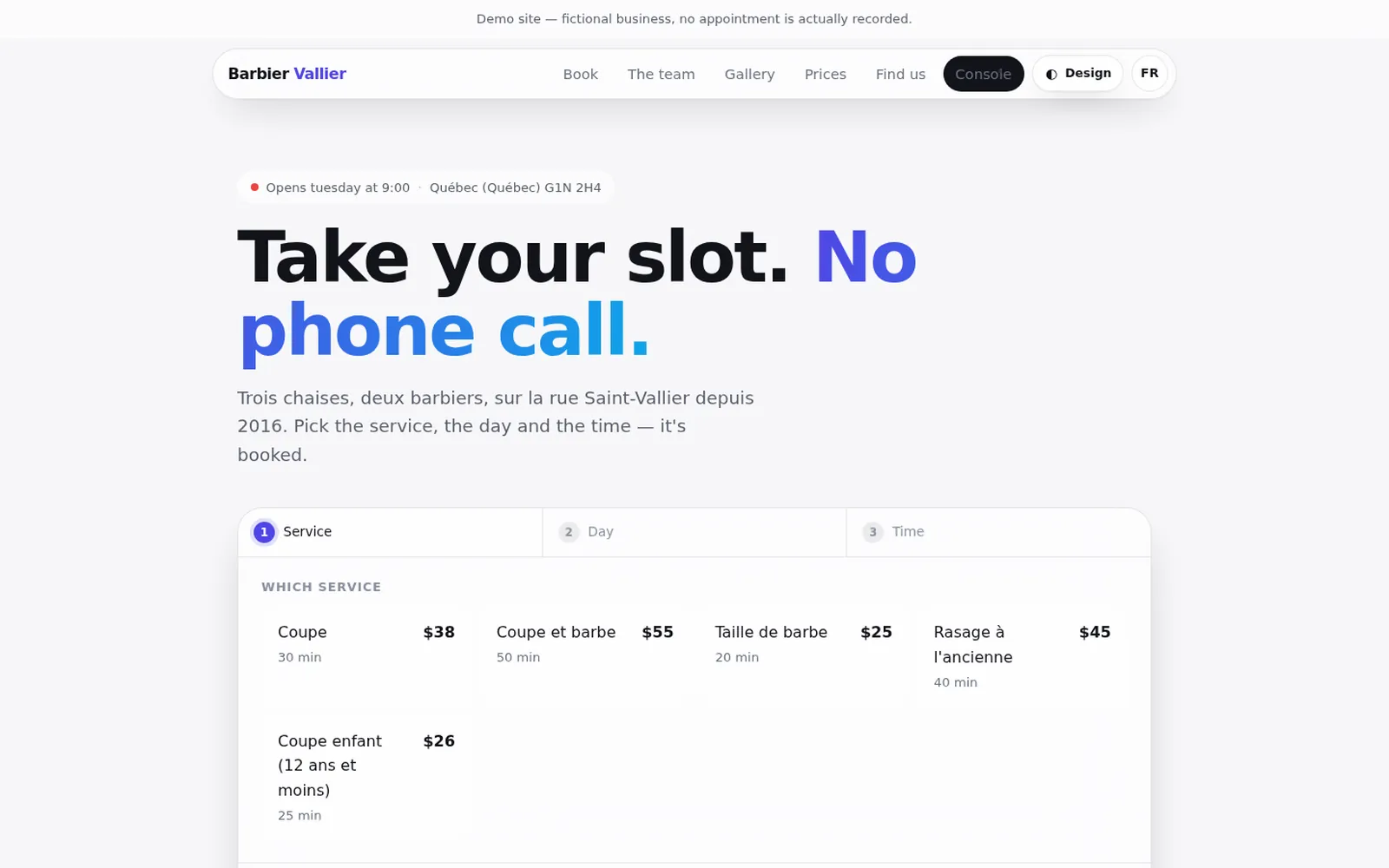
A multi-tenant booking and management platform for barbershops: three-step online booking for clients, and a console for the shop’s appointments, team, hours, services, payments and media. : Barbershop SaaS -
ClinicJourney
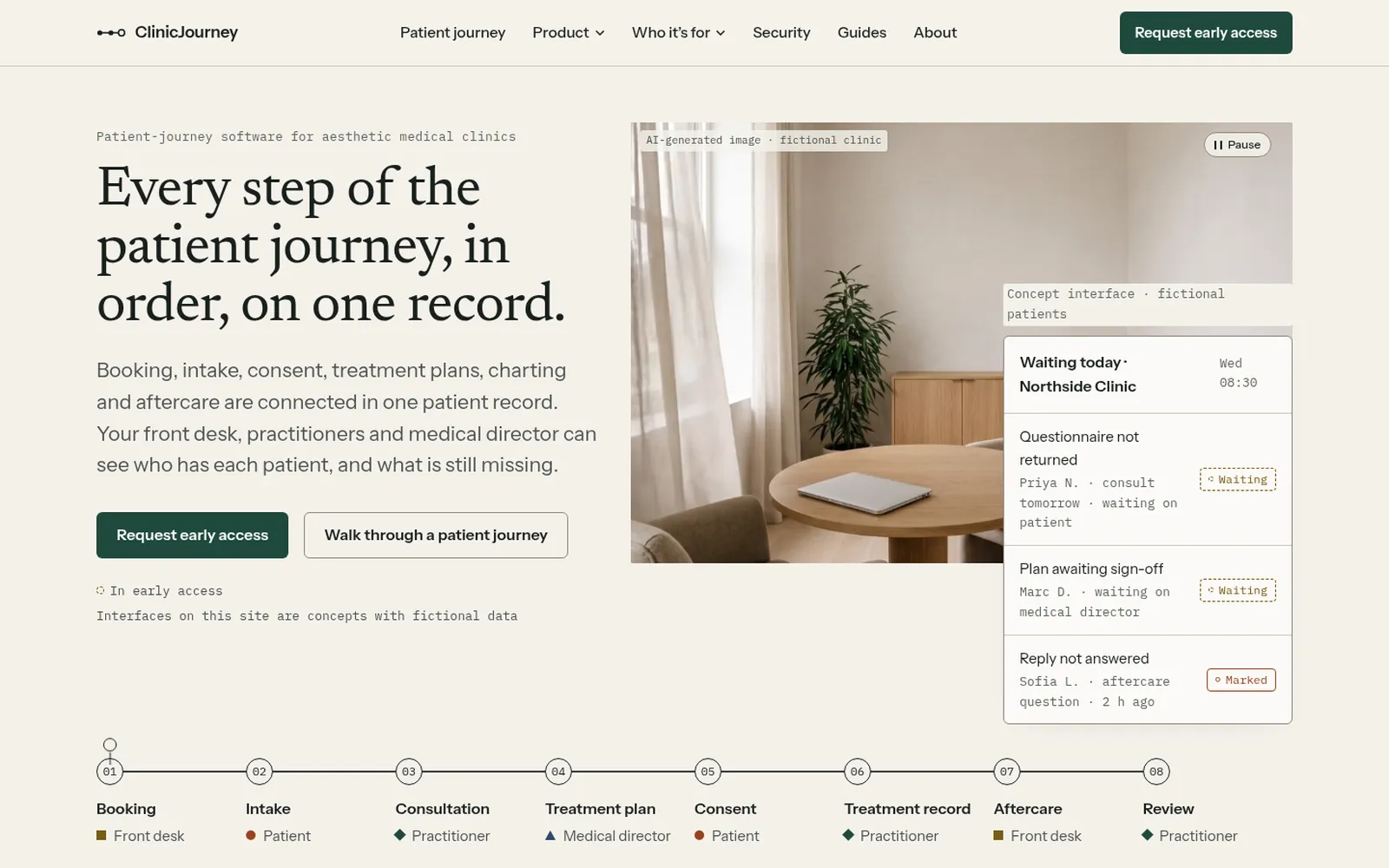
The marketing website of a pre-launch patient-journey platform for aesthetic clinics, with an interactive walkthrough of one fictional patient across eight steps. : ClinicJourney
FAQ
Questions about this
How do you prevent double bookings?
The slot is held for a few minutes while the customer confirms, and checked again against your real calendar just before the booking is written. Holds for the same calendar are processed one at a time, so two people cannot take the same slot.
Whose accounts do you use?
Yours. Your Google Business Profile, ad account, Search Console, phone numbers and data stay in your name, and we get access you can remove at any time. Some connections also need an approval from the platform (Google reviews API access to Business Profiles, for example); until then the same work is done by hand, from the same rules.
Still booking by phone and email?
Tell us what you need and by when. We read every enquiry and reply in writing, with questions, a next step, or a plain no if we’re the wrong studio.